
AI Agents Need a Better Workbench
The next jump in AI productivity may not come from a better prompt. It may come from the tools around the agent: voice, context, screenshots, memory, diagrams, and tiny custom apps.

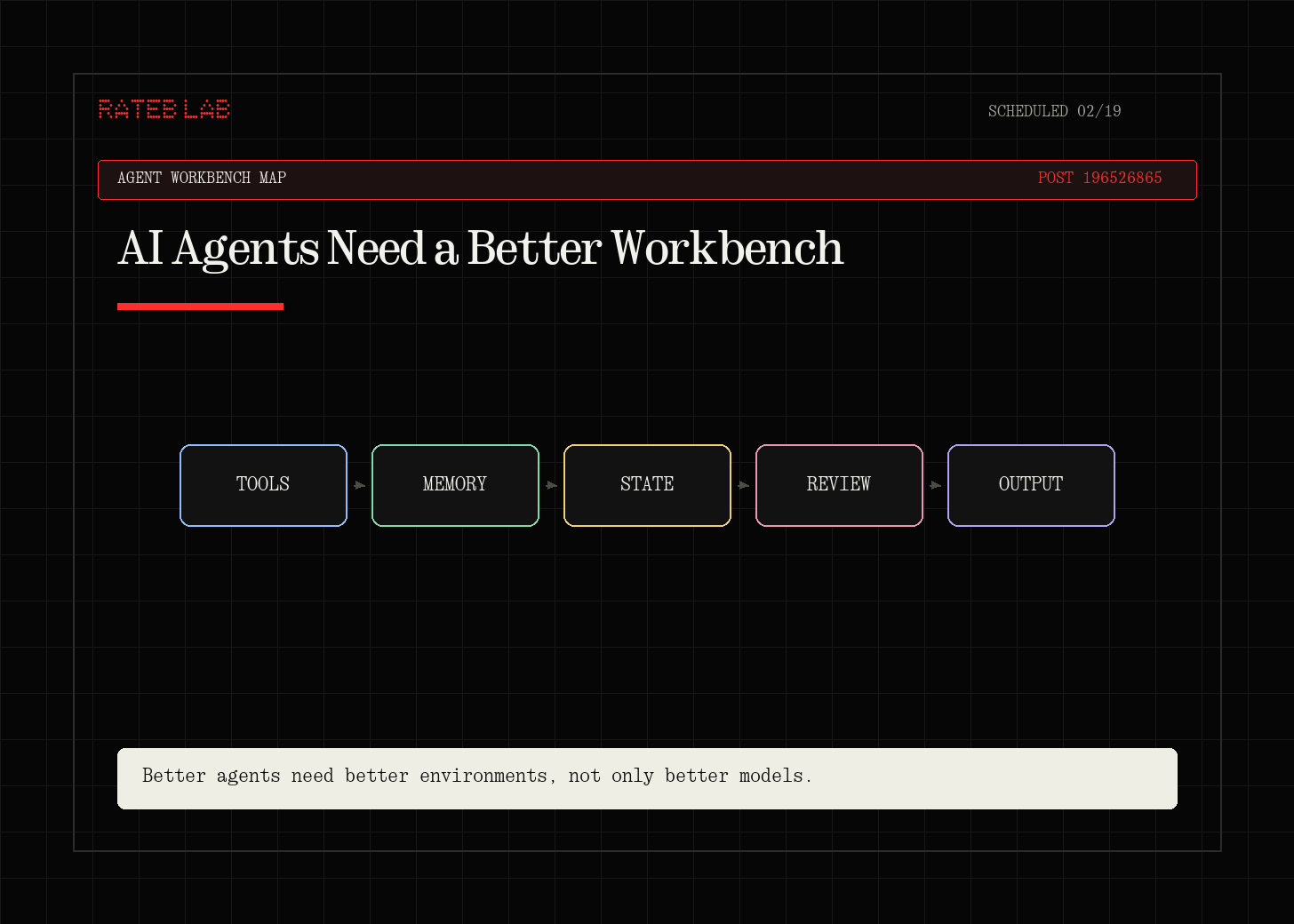
Everyone is talking about AI agents.
Codex. Claude Code. Agentic coding. Vibe coding. Tools that can edit files, build apps, create documents, search, reason, and keep working while we move to the next task.
But there is a quieter lesson in Riley Brown's video that matters more than the tool list.
AI agents are not magic boxes.
They are workers inside a bigger workbench.
If the workbench is messy, the agent gets weak input, vague context, bad screenshots, missing files, and unclear instructions.
If the workbench is good, the agent gets clear voice prompts, saved references, visual feedback, diagrams, examples, and fast access to the rest of your computer.
That is the real point.
The future is not only "use Codex better."
It is:
Build a better system around Codex.
The Better Mental Model
Most beginners think the AI workflow is:
You -> prompt -> agent -> output
That is too simple.
A stronger workflow looks like this:
Idea -> context -> agent -> visual feedback -> revision -> saved knowledge -> custom tool
The agent is only one part of the loop.
The tools around it decide how fast the loop runs.
The Seven Tool Layers
1. Voice input: Wispr Flow
Typing is a bottleneck when you are working with agents.
A good voice-to-text tool changes the rhythm.
Instead of slowly typing a perfect prompt, you can talk through the task:
- what you want built
- what you tried
- what broke
- what the agent should inspect
- what the next version should feel like
This matters because agent work is not one prompt.
It is many small instructions.
Voice makes those instructions cheaper.
2. Context retrieval: Raycast
Agents are only as good as the context they receive.
Raycast helps because it keeps your clipboard history, links, copied text, and images close.
That sounds small until you are doing real work.
You copy five links, a few screenshots, one tweet, and a product page. Without a clipboard manager, that context gets lost. With one, you can bring it back into the agent quickly.
For AI work, a clipboard manager is not just convenient.
It is a memory for the current task.
3. Visual feedback: CleanShot X
Many AI failures are not reasoning failures.
They are context failures.
You tell the agent, "Fix the sidebar."
But the agent does not know which part feels wrong.
A screenshot with an arrow is often better than five paragraphs.
CleanShot X is useful because it lets you capture, annotate, pin, copy, and share screenshots or short videos fast.
For design, documents, dashboards, websites, and bugs, visuals reduce ambiguity.
The lesson:
Do not only describe the problem. Show it.
4. Design surface: Paper
Paper is interesting because it is built for AI-agent design work.
The bigger idea is not only "use Paper."
The bigger idea is that agents need surfaces where they can create, revise, and respond to feedback visually.
Code editors are not enough for every task.
Some work needs a canvas:
- landing page directions
- product mockups
- layout options
- design variations
- visual brainstorming
As AI agents become more capable, the workspace matters more.
5. Source memory: Readwise Reader
A second brain becomes more useful when an AI agent can search it.
Readwise matters here because it turns saved articles, tweets, highlights, and research into usable context.
This is the difference between asking:
"Give me ideas about AI agents."
And asking:
"Look through what I saved this week, group the strongest ideas, and turn them into a content brief."
The second prompt is better because the agent has your actual inputs.
Personal knowledge beats generic internet noise.
6. Visual thinking: Excalidraw
Excalidraw is one of the cleanest ways to turn thinking into structure.
Agents are good at producing text.
But many ideas are easier to understand as:
- a map
- a loop
- a stack
- a comparison
- a roadmap
- a decision tree
This is especially useful for technical learning.
If I cannot draw how a system works, I probably do not understand it yet.
7. Personal tools: build your own
This is the most important layer.
AI agents let you build small tools for your own weird problems.
Not every tool needs to become a startup.
Sometimes the best app is a tiny desktop utility that solves one annoying thing in your workflow.
That changes how you look at friction.
Old mindset:
"This tool does not exist."
New mindset:
"Can I build a rough version for myself?"
That is a serious shift.
The Practical Stack
Here is the simple stack I would take from the video:
1. Capture ideas faster with voice.
2. Keep context close with clipboard history.
3. Show problems with screenshots and short videos.
4. Use a visual canvas when text is not enough.
5. Save useful sources into a searchable knowledge system.
6. Turn hard ideas into diagrams.
7. Build small tools when the workflow keeps hurting.
This is not about buying every app.
It is about noticing the layers around agent work.
A 30-Minute Setup Exercise
Try this:
Minute 0-5: Pick one repeat workflow
Choose one workflow you do often:
- writing a post
- building a small page
- researching a topic
- creating a slide
- planning a lab
- debugging a UI
Minute 5-10: Map the friction
Write down where you slow down:
- typing prompts
- finding links
- explaining visual issues
- searching old notes
- making diagrams
- repeating the same manual step
Minute 10-20: Add one tool layer
Do not change everything.
Add one layer:
- voice input
- clipboard history
- screenshot annotation
- source saving
- diagramming
- a tiny script or app
Minute 20-30: Run the loop once
Use the agent with the new layer.
Then ask:
Did this make the next prompt clearer?
Did this reduce back-and-forth?
Did this help me explain the task better?
If yes, keep it.
If no, remove it.
The Real Takeaway
AI agents make output cheaper.
But judgment, context, and feedback still matter.
The better your workbench, the better your agent becomes.
That is the practical edge.
Not having the longest prompt.
Not collecting every new tool.
Building a system where ideas, context, visuals, memory, and custom tools can move together.
That is where Codex becomes more than a chat window.
It becomes part of a personal operating system.